Manual Import
2 min
Manual import in planeus is a simple three-step process:
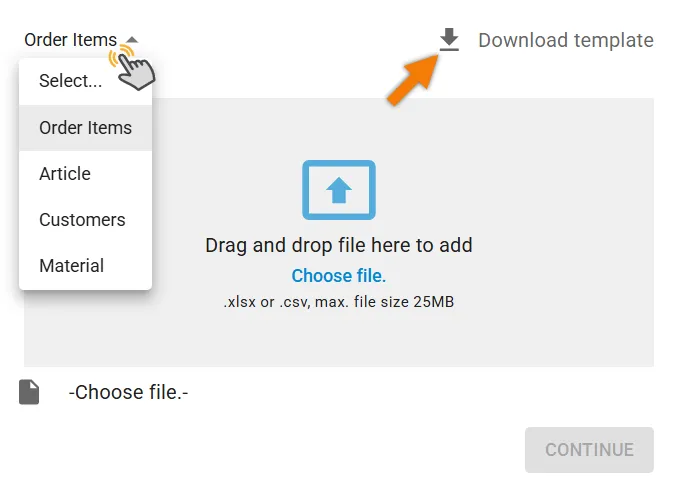
1. Select Your Data Type
- Choose what you want to import, like Order Items, Articles and Technologies, Customers, or Material.
- Download the matching data template for your selection.
2. Fill Out the Template
- Enter your data into the Excel template.
When filling out the template for Order Items, make sure you fill in the Termination field to define the scheduling direction:
- Backward for backward scheduling
- Forward for forward scheduling
3. Upload and Validate
- Upload your completed template into planeus.

The system checks your file for errors.
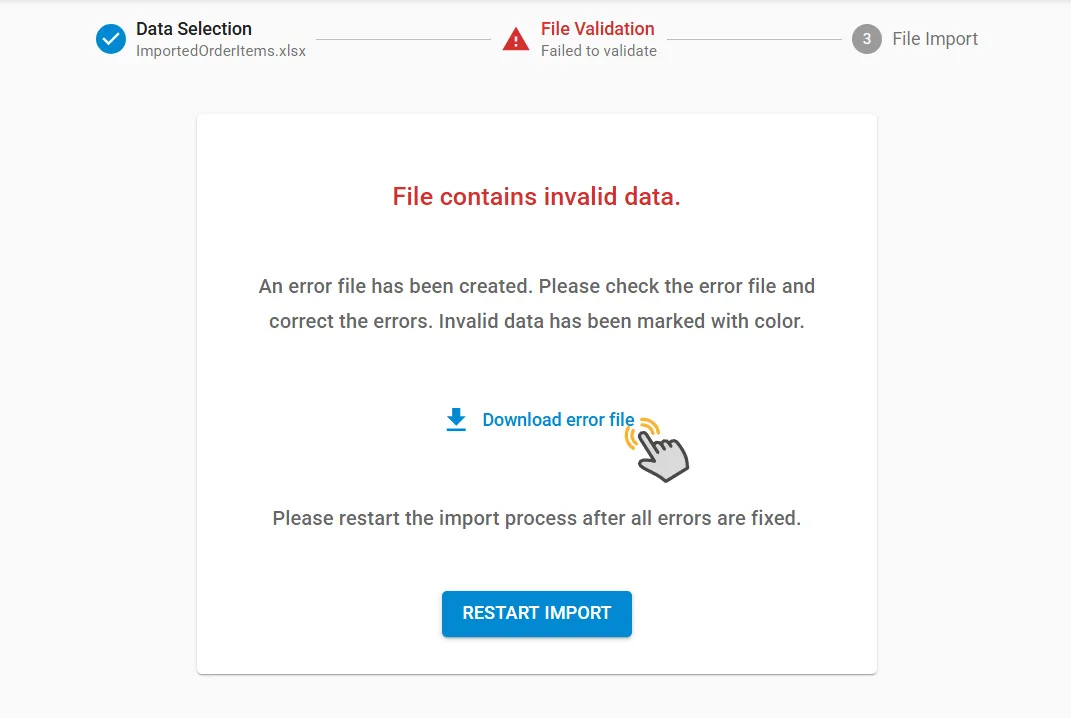
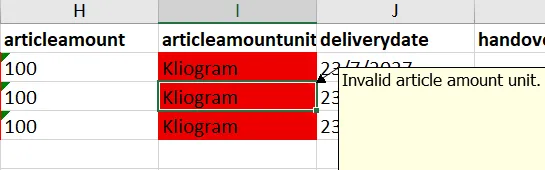
- When there are issues in your uploaded template, planeus will show a message and you can download an error file, where mistakes are highlighted in red.
- Use the "Comments" function in Excel to see details about each error and fix them before re-uploading.
When your file is correct, you can import your data with one click.